Quick answer
Choose the group before choosing a direction.
Big Walk is a 2–12 player adventure. Pick a reliable long-term host, choose the world version from the minimum number who can stay, and use the game’s voice or text chat—not an outside call.
Before the first session
Five things to settle first
- 01Choose a long-term host.
The host owns and automatically saves the world. Continuing later requires that host to open the save first.
- 02Choose 2, 3, or 4+.
Use the smallest number of players who can reliably stay. It changes parts of the world; it does not cap the lobby below 12.
- 03Prepare in-game communication.
A microphone is optional. Text chat follows the same distance and soundproofing rules.
- 04Skip the Discord call.
Outside voice bypasses the communication restrictions that make many challenges interesting.
- 05Tune comfort settings.
Try a Motion Reduction Overlay. PC and Mac players can also raise FOV in graphics settings.
Starting area
Learn with both hands.
The opening space teaches movement, jumping, crouching/sitting, independent arm gestures, grabbing, carrying, throwing, buttons, and shaking objects. On PC or Mac, use Settings → Rebinding rather than relying on a potentially outdated key chart.
Core mechanic
Communication has geography.
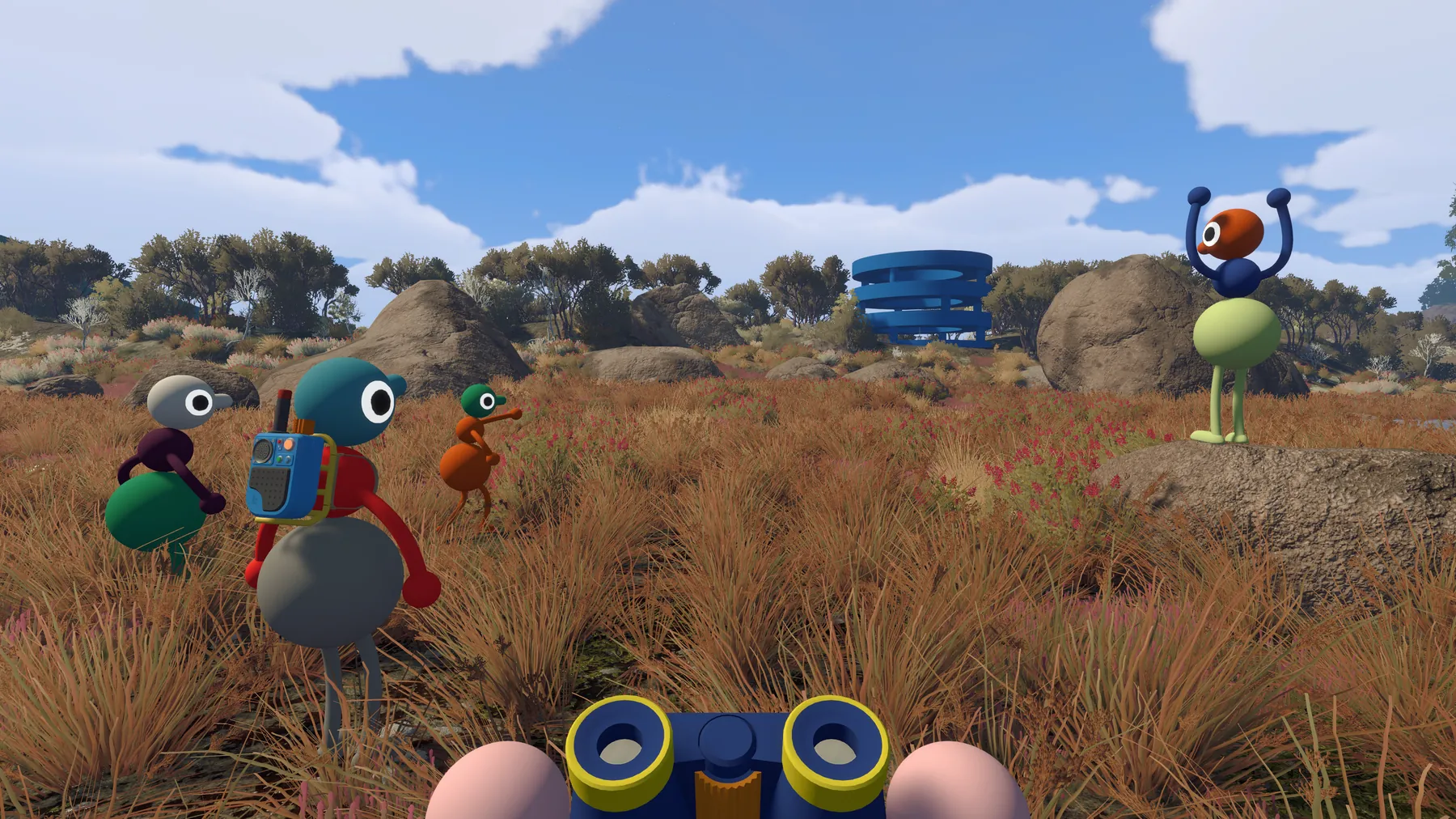
Voices fade with distance, echo in corridors, muffle through walls, and crackle through walkie-talkies. Text chat mirrors those intentional limits—even soundproof glass can block it.
Voice or text is direct and clear.
Use walkie-talkies, flares or landmarks.
Point, pose, draw or create a light signal.
Exploration loop
Observe → split → compare → regroup.
Use a conspicuous colored structure as a shared goal. Walk around it, let different players inspect different mechanisms, then compare what each person can see or hear. If the group splits, agree on a flare color, tall landmark, or radio plan first.
Spoiler-free habits
Make failure useful.
- Agree on four gestures: yes, no, stop, and look here.
- Let newcomers deduce first: returning players should describe observations, not answers.
- Split large groups into temporary teams: always name a rendezvous.
- Search nearby after a drop: do not diagnose a broken save before checking the slope below you.
- Use hints progressively: a role hint preserves more of the game than a full input sequence.
Accessibility
The host can make every challenge optional.
Official options include challenge skipping, full control rebinding, multiple crosshair styles, hold/toggle choices, Motion Reduction Overlays, and PC/Mac FOV adjustment. Characters can also carry one another when needed.
Settings → General → Motion Reduction OverlaySettings → Graphics → Field of View (PC/Mac)Host setup → Accessibility → Skip challengesQuick answers
Questions your group will ask
Can I play Big Walk solo?
You can enter and walk around alone, but official guidance says you will not get far. The adventure is designed for at least two players.
Do I need a microphone?
No. In-game text chat has the same distance and soundproofing limitations as voice, and the official FAQ says the whole game can be completed that way.
Which group-size version should we choose?
Choose 2, 3, or 4+ using the smallest number of players who can reliably stay for the session. It changes parts of the world, not the maximum lobby size.
Should we use Discord?
The developers strongly advise using only the in-game communication. Outside voice bypasses the distance, wall, and silence rules that make many challenges work.